
Format of presentations

The dimensions of a Pecha Kucha presentation allow you to give the best of yourself to your audience, and facilitate the installation of a productive atmosphere during the interactive meeting that follows.
We would like to offer you an atypical format - but one that is becoming increasingly popular even outside the worlds of architecture and design - for the power point presentations at the FORUM DE GENEVE’s academic conferences.
In this way, we’d like to encourage interactive post-it sessions, discussions at the drop of a hat, and thus enable dialogue and concrete responses to the issues raised.
|
Short format (6 min 20 sec max
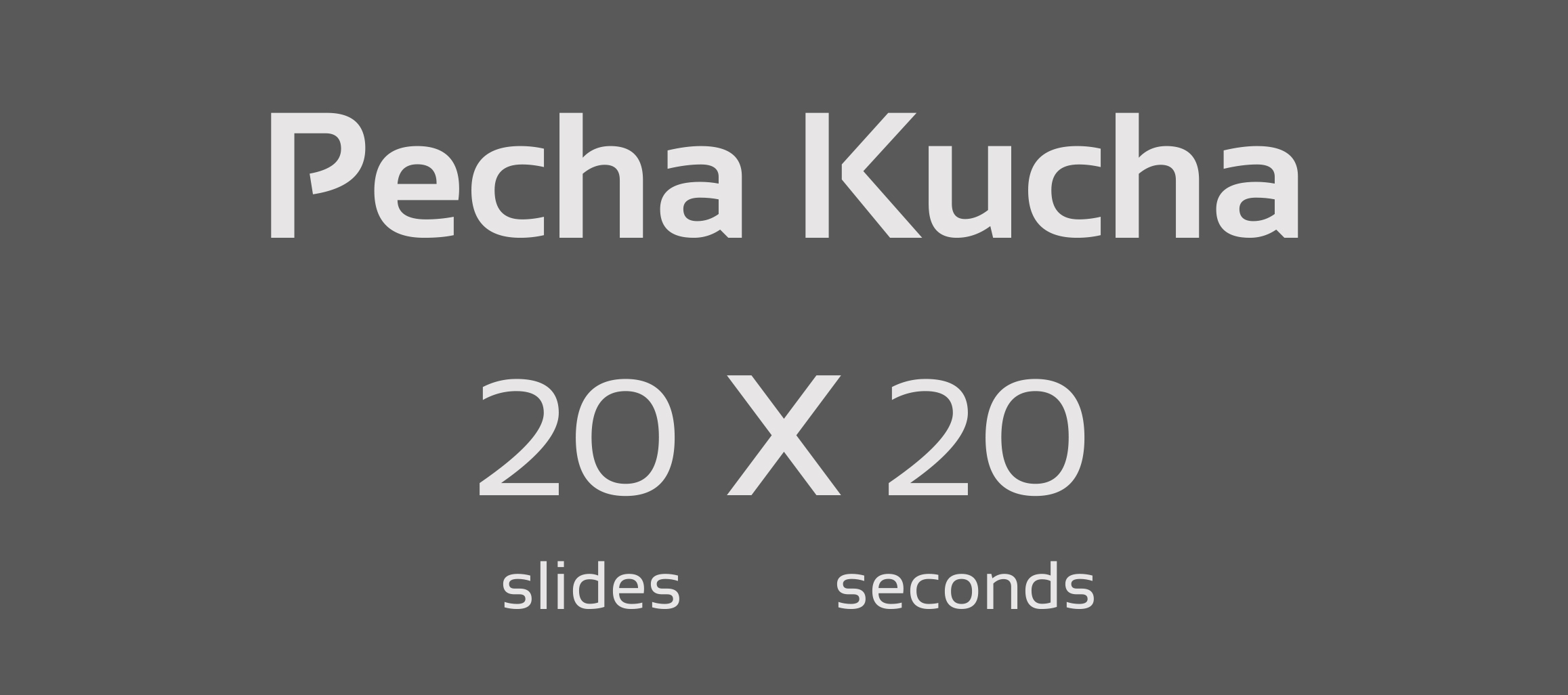
Pecha Kucha: 20 illustrated slides X 20 seconds
Fast format (5 minutes max)
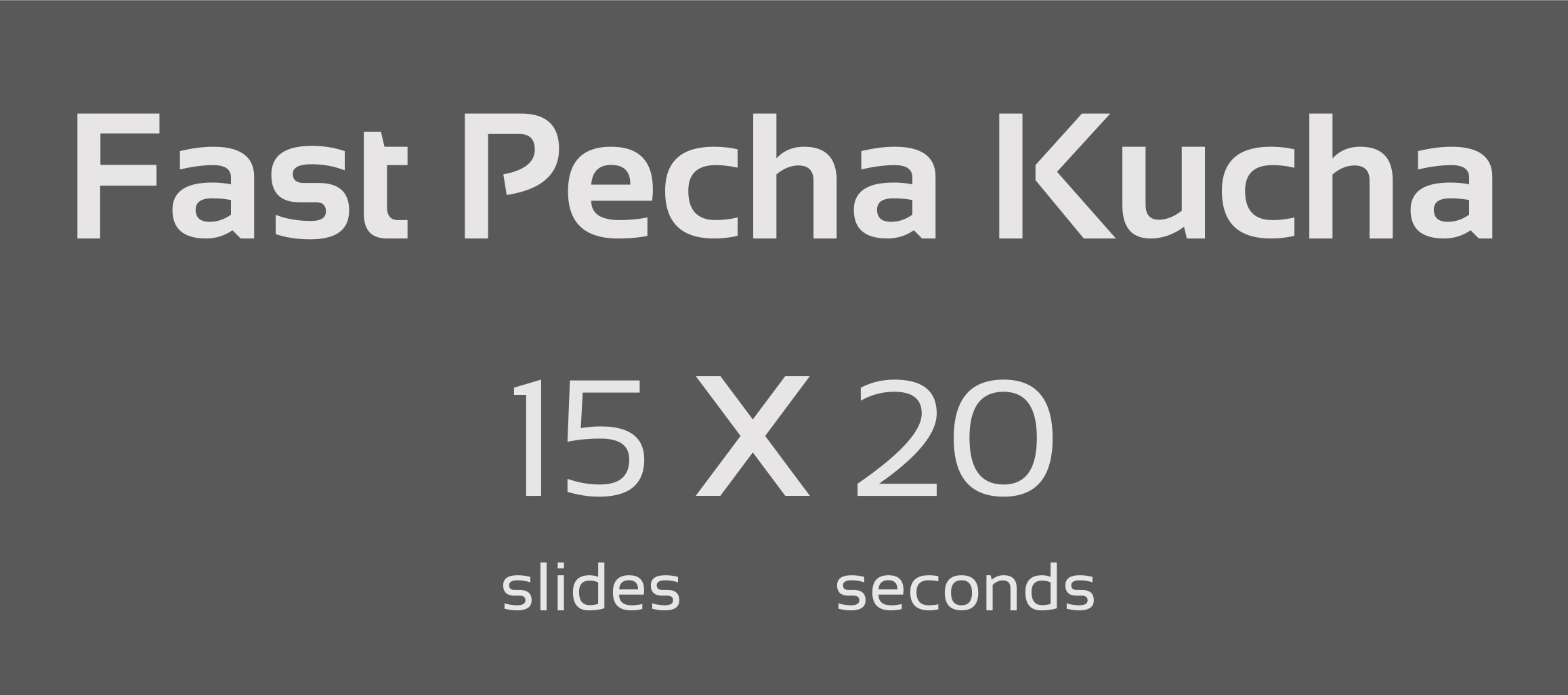
Fast Pecha Kucha: 15 illustrated slides X 20 seconds
Context
The working sub-groups follow your presentations in the form of a pitch. This format, which has already been tried out during previous sessions over the past years, was highly appreciated by everyone. You can spend more time on your topic than in a traditional presentation, and you can more easily cross viewpoints.
Pecha Kucha presentations force conciseness in both speech AND listening by eliminating any slide overloaded with text - but are much more economical to prepare than a TEDx presentation! We invite you to share only certain ideas and thoughts on your topic, to truly engage your audience.
Moreover, your audience already has the information about your activity and all your references in the summary of your presentation. Therefore, your presentation should only serve to highlight what makes the difference and what deserves special emphasis.
Requirements
- Incorporate all fonts in the recording of your document
- Send your final extended summary as soon as possible, and always before the deadline you were given - we will not accept any updates once the deadline has passed
- Read all summaries for your session - whether as a presenter or audience member!
Tips and Best Practices
- Carefully choose and display 15 images (for the 5-minute presentation) or 20 images (for the 6 min 20 presentation) - as a story, each for 20 seconds
- Automate the advancement of each slide so that neither you nor our team has to manually advance the slides
- Use a fully automatic version of PowerPoint or other software for the presentation
- Do not use too much text and avoid bullet points
- Text on your slides:
- in English
- or in both English and French, with a different color for each language (in this case, two colors with similar tones that relate to the graphic design of your slides will be more appreciated than two complementary colors)
- Y
|